
• Home
    • 01. DAY BOOK – Čeština
    • 01. DAY BOOK – Dansk
    • 01. DAY BOOK – English
    • 01. DAY BOOK – Español
    • 01. DAY BOOK – Español
    • 01. DAY BOOK – български

ClinicSoftware.com Knowledge Base ClinicSoftware.com Knowledge Base

ClinicSoftware.com Knowledge Base

  • HOW IT WORKS
    • Software Features
    • Marketing Features
    • Online Booking
    • Paperless Features
    • Photo And Draw Features
    • Tracking Features
    • Sell Cycle Features
    • Fully Responsive Features
    • Business Reports Features
    • Automated Features
    • Reminders Features
    • Apps Features
    • Multi Location Features
    • Add-Ons
  • WHO IT’S FOR
  • MARKETING
  • MORE
    • Support
    • Find-Us
    • Migrate To ClinicSoftware
    • How We Provide Training
    • Partner With Us
    • Academy
    • Support Chat
    • Blog
    • Editions
    • ClinicSoftware.com TV
    • GDPR
    • ICD-10 Database
    • PCI-DSS Compliant
    • Cloud Hosting
    • Latest UK Shows
    • UK Press
  • Classic Edition
  • CLOSE / RETURN TO SOFTWARE
Home Knowledge Base 9.6 MARKETING - EMAIL AND SMS TEXT SENDING EMAILS

SENDING EMAILS

26th March 2020 Posted in: 9.6 MARKETING - EMAIL AND SMS TEXT Hits: 13

To create an email template search in admin area “Marketing emails”.
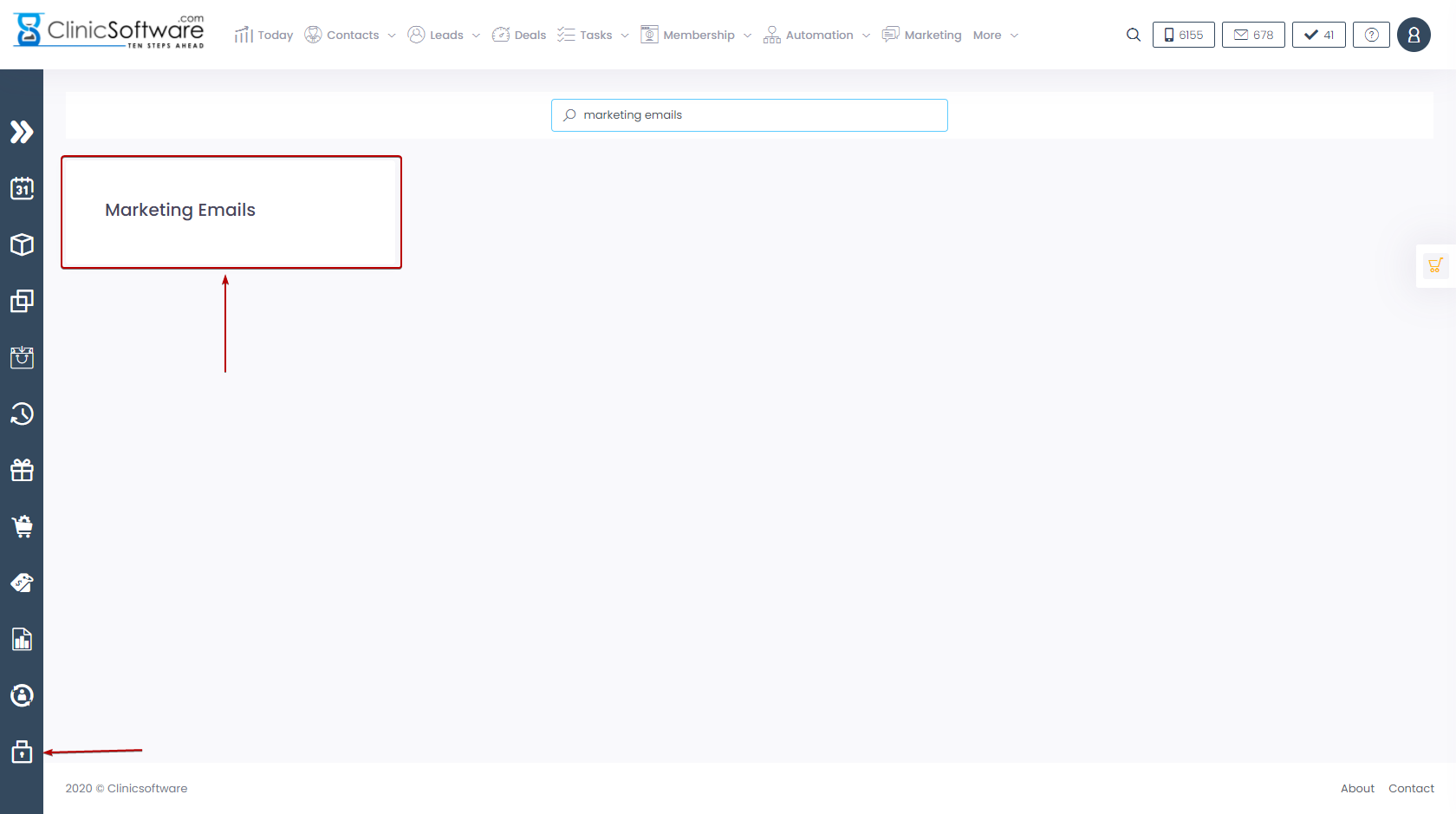
This will open the marketing emails template page.
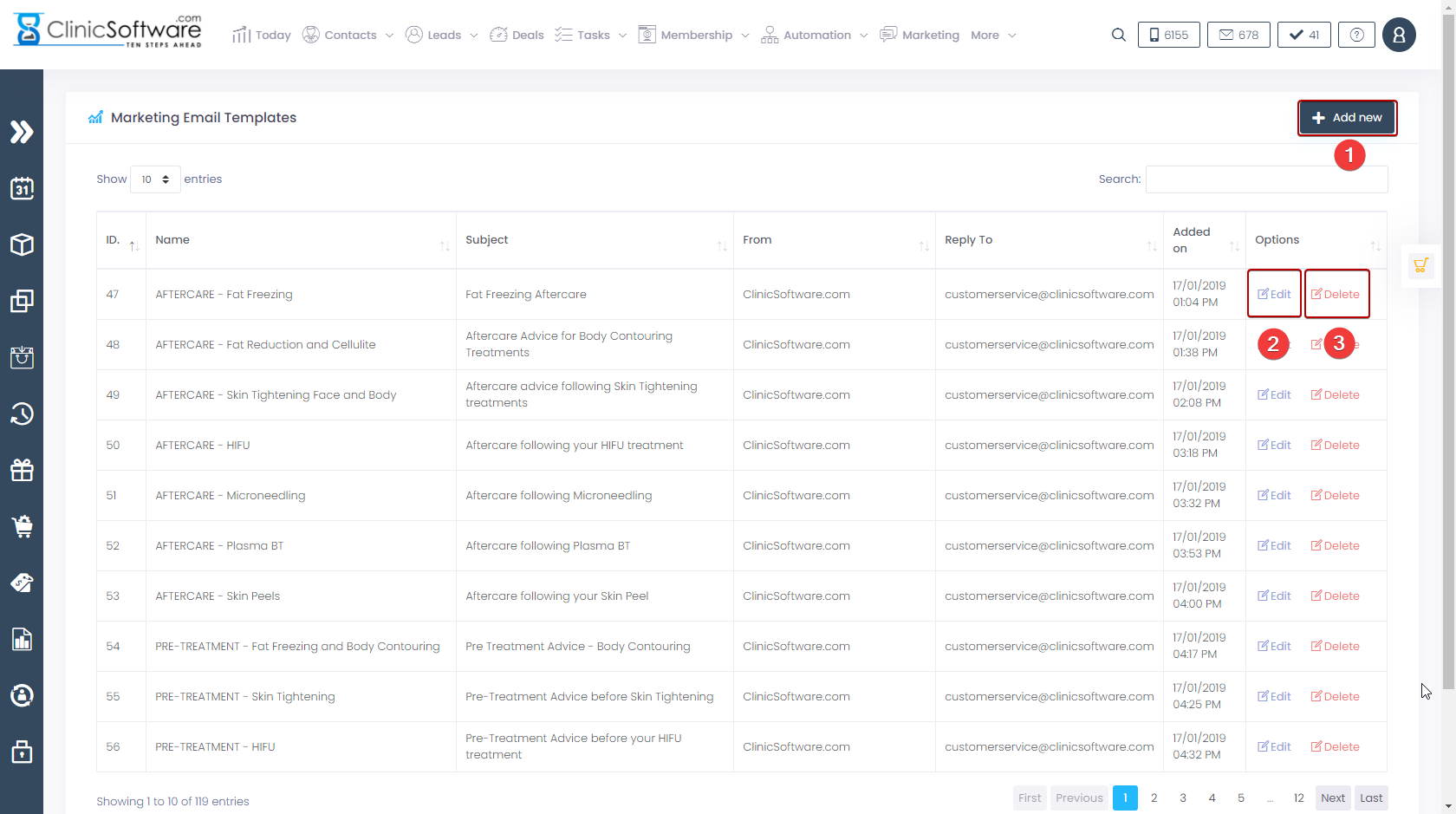
  1. Press the “Add new” button to add a new email template.
  2. Press the “Edit” button to edit an existing email template.
  3. Press the “Delete” button to delete an existing email template.
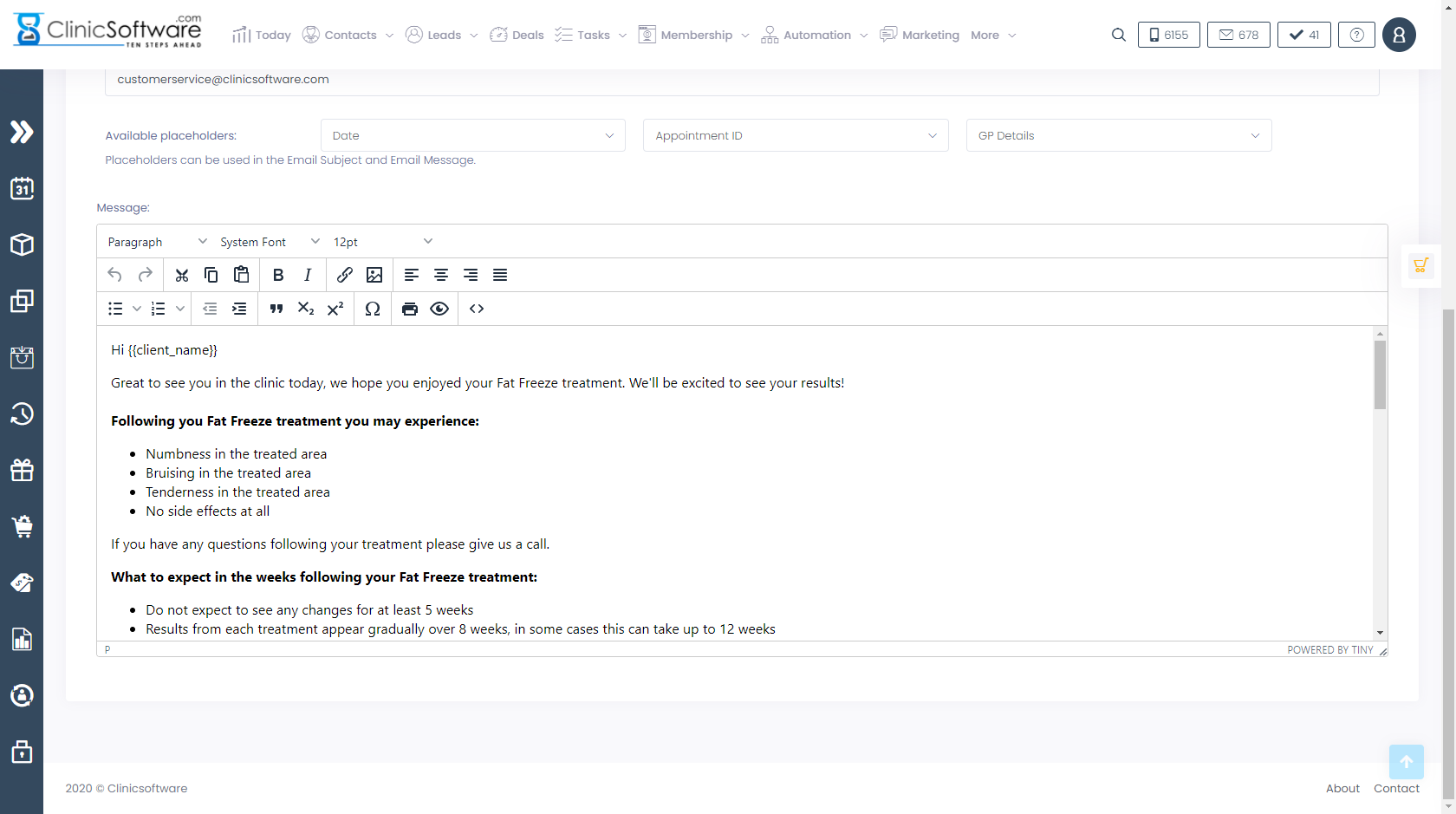
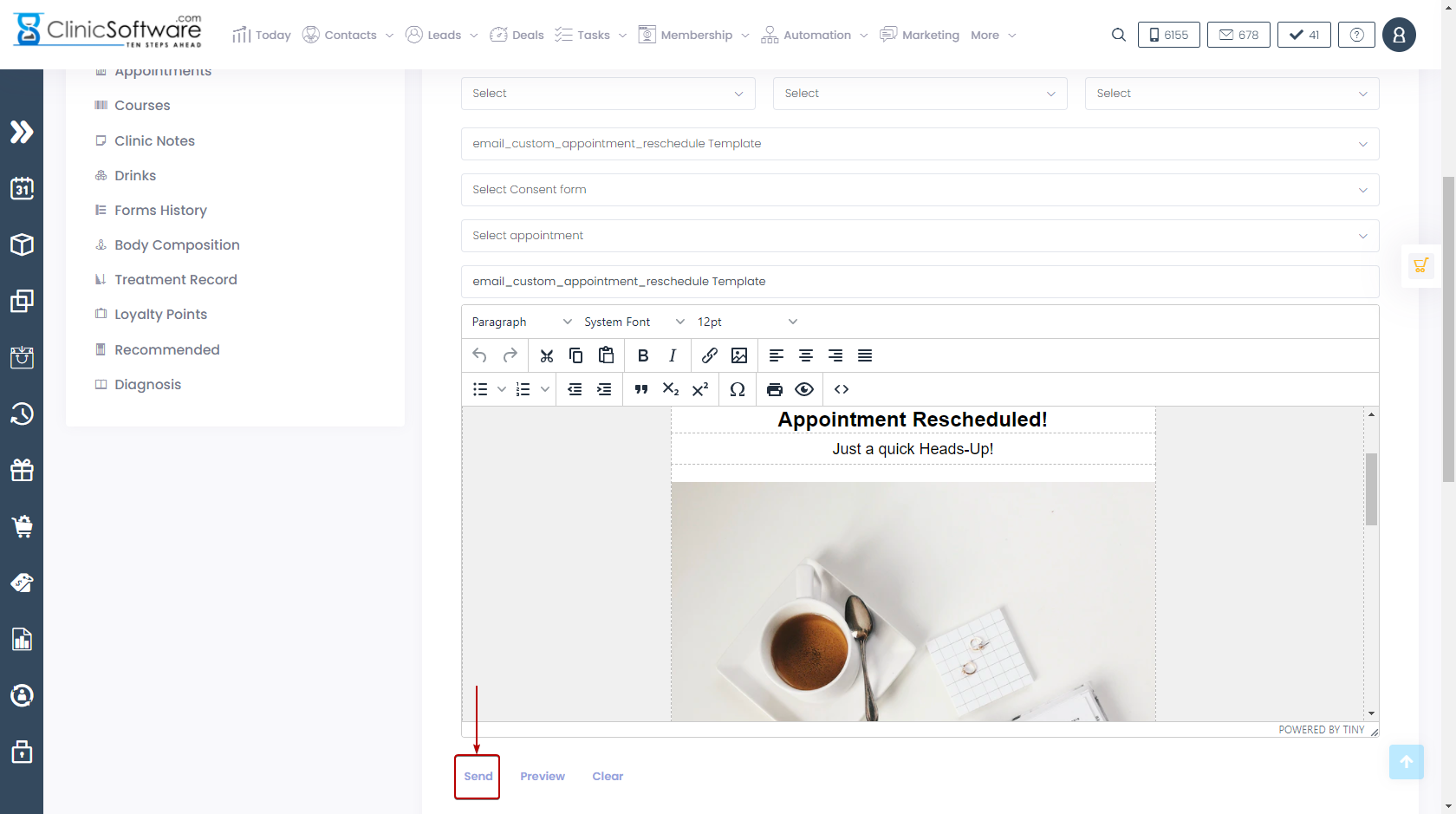
To send an email to a client go to the client profile and press the “Send Email” button and select the email template.
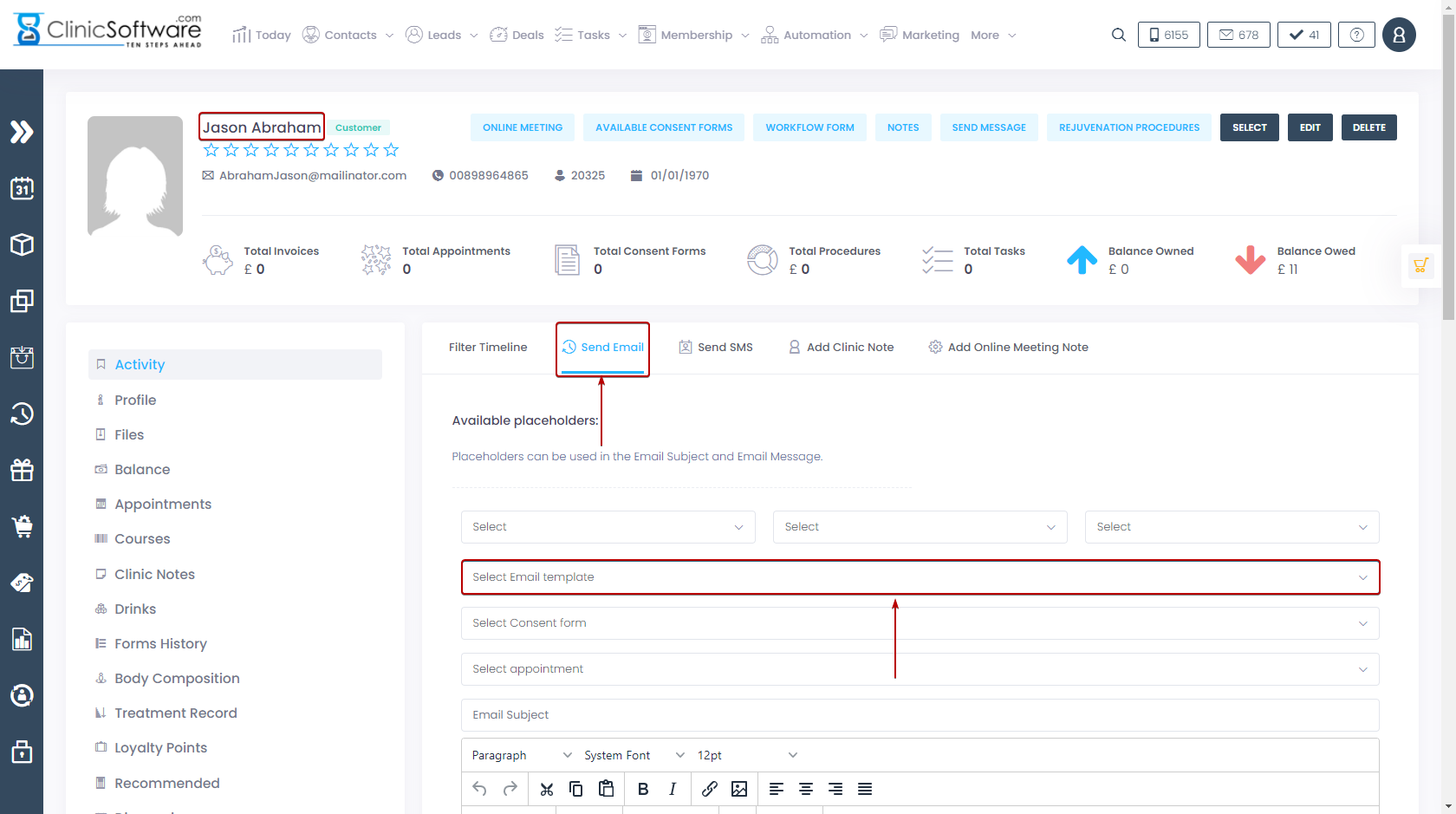
After this, press the green “Send Email” button to send the email.
 

© 2017 ClinicSoftware.com